
A Beginner's Guide to Joining Discord
Discord - The best platform to connect on as an artist
Discord is a platform that allows users to create and join communities, jampacked with features like text and voice chat, video calls, and more. It’s an incredible tool for entrepreneurs, self-starting artists, designers, digital artists, and anyone looking to connect with others who share the same interests or passions. But how do you get started? This guide will provide a few simple steps on how to join the discord.
How To Join
Step 1: Make an Account
The first step is easy—just go to discordapp.com and click sign up at the top right corner of the page. If you’re on mobile, go to your App store and Find the Discord App. Once you fill in your username and email address (or you can even just use your google account), you’ll be ready to start exploring!
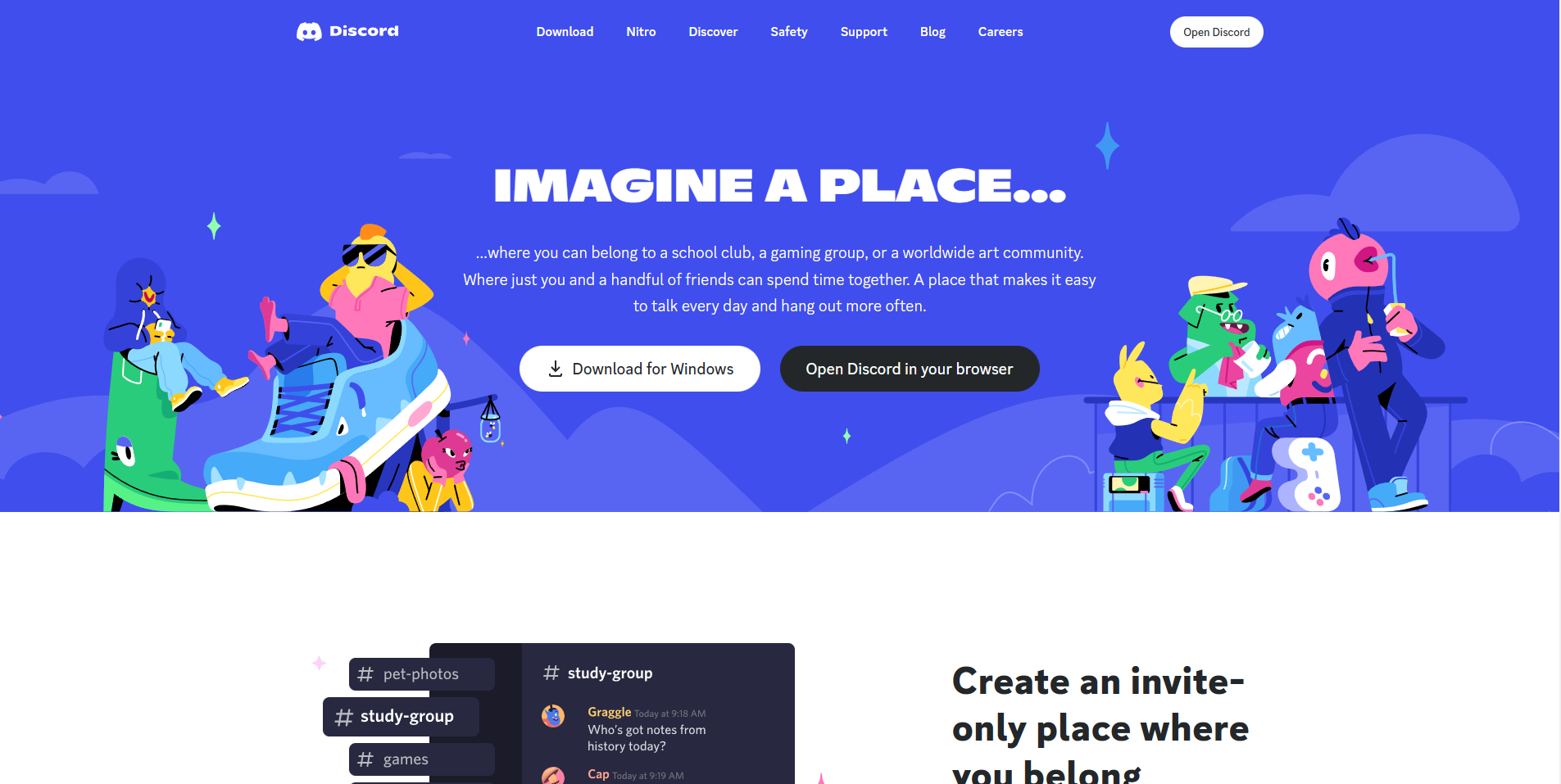
Discord Home Page
Step 2: Joining the 1228 Studios: Art & Design Server
Now that your account is ready to go, it’s time to join our server! All you have to do is click the “Join Server” button just under this paragraph—and voila! You’re now part of a new community. You’ll Have to verify that you have read the rules and you’ve seen the channel guide in #rules and #channel-guide. You won’t be able to see much until you do that. Just click the verify- Step 1 and verify- Step 2 buttons and you’ll be ranked to lurking. Once you have the “Lurking role” You’re good to go. Start chatting to rank up your account and unlock more features.
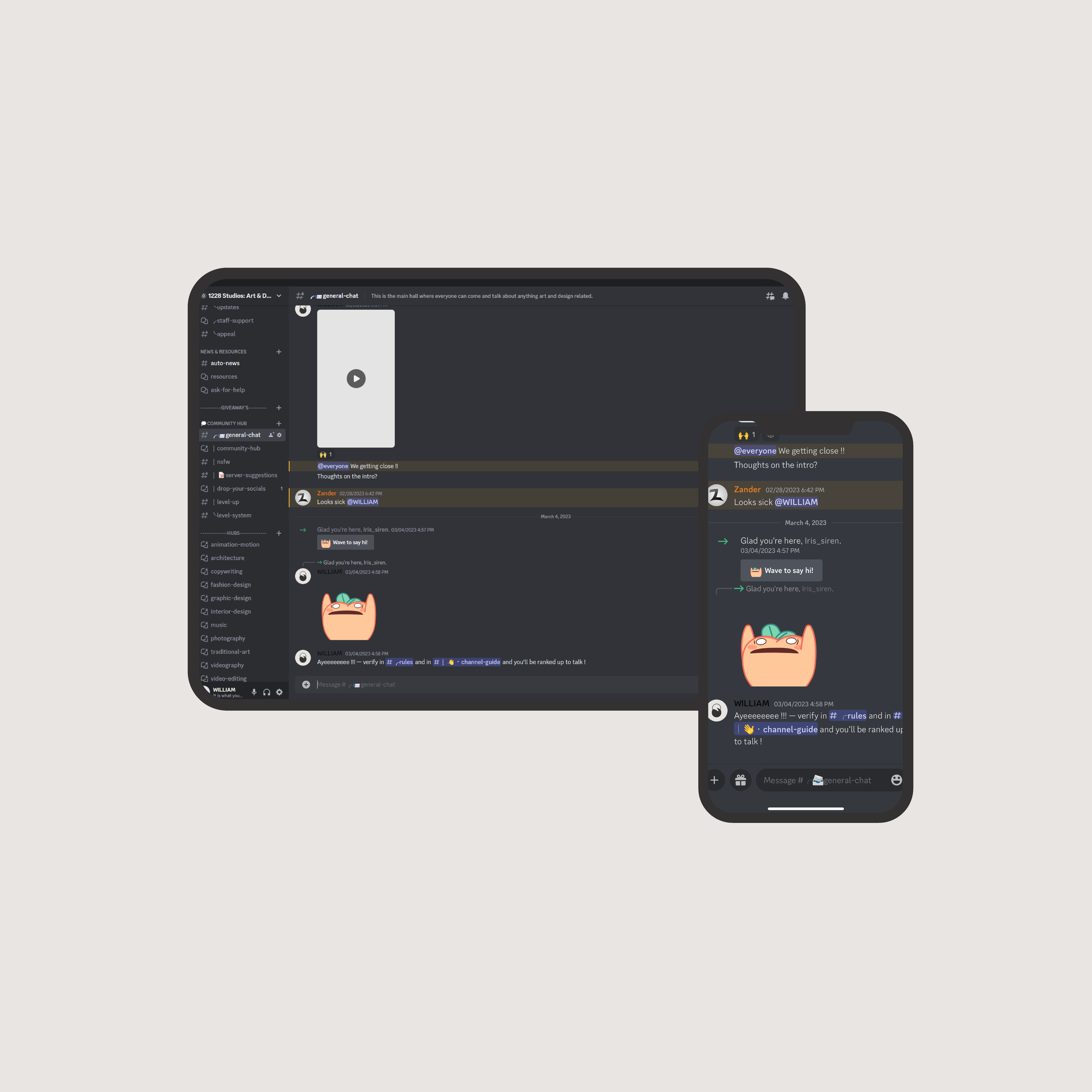
1228 Studios: Art & Design Server
Step 3: Start Using Discord
Once you’ve joined our server it’s time for some fun! From messaging other members directly or chatting in public rooms full of people with similar interests as yours–the options are endless when it comes to what you can do with Discord. You can even take advantage of the built-in voice channels if you want real-time communication with other members–all without leaving your computer screen or Phone!
If you’re new to discord, give yourself a chance to get familiar with the server, the pages, what they do, and how to use them. If you have any questions just ask @WILLIAM for help Or, Click the Link below to see Discord’s FAQ on how to use a server!
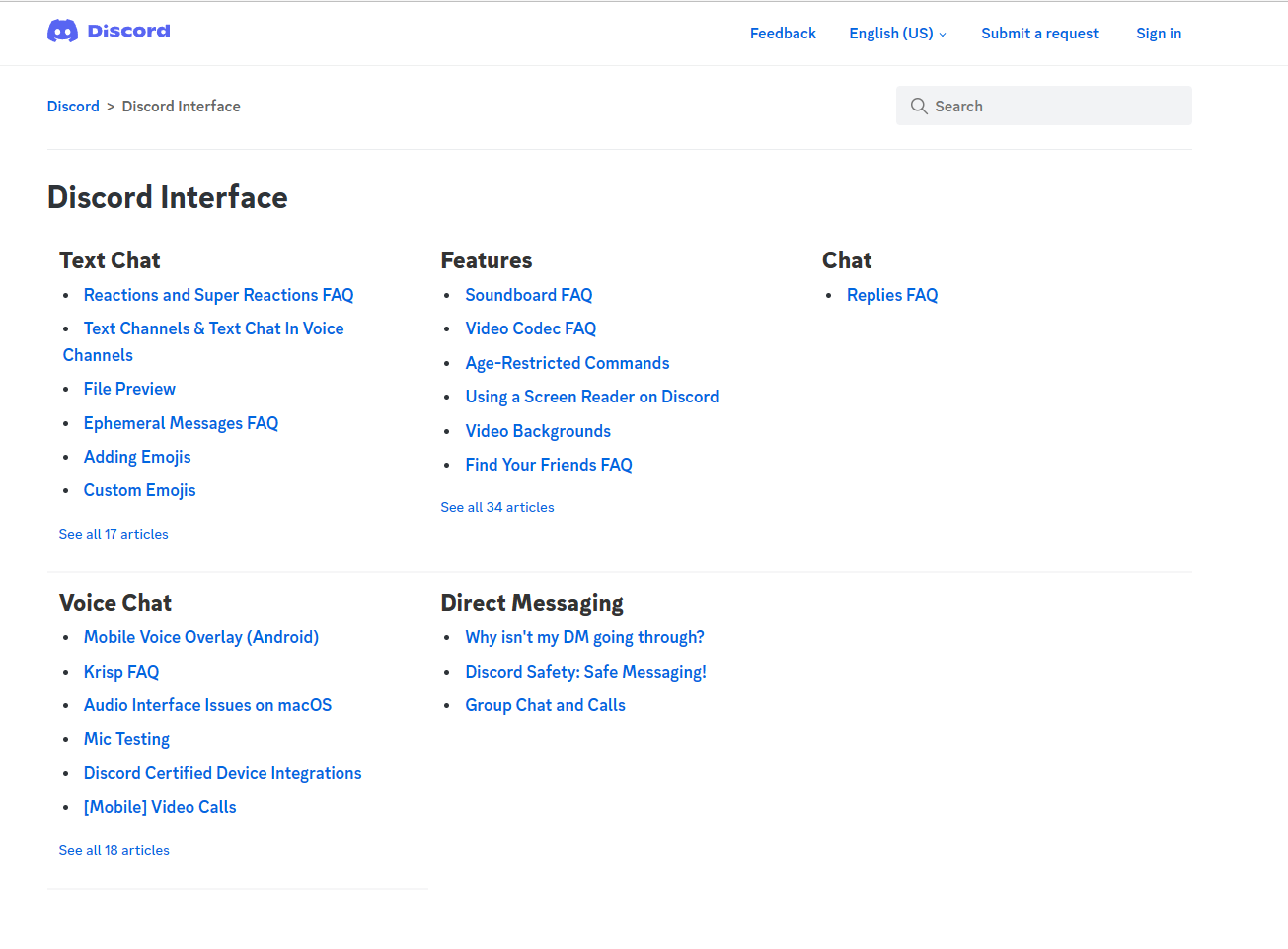
Discord FAQ Page
It’s Easy
Joining Discord doesn't have to be complicated or hard - it's quite simple if you break it down into three steps: making an account, joining our server, and starting to use Discord. With this guide in hand, start exploring all that this amazing platform has to offer today - build relationships with others who share similar interests as yours; make new friends; learn about different topics - whatever it may be - let's get started! Welcome aboard!
